
Download Music Label – Music Management, CD Scanning, Backup, Export
Overview
Music Label is a dedicated music management tool designed to help users organize their digital and physical music collections with precision and ease. The app specializes in categorizing music files by artist, album, and format—including MP3, CD, and vinyl—offering a structured approach to managing diverse music libraries. It addresses the common challenge of disorganized music files scattered across devices or stored on physical media, enabling users to build a centralized, searchable database. The app is particularly useful for audiophiles, collectors, and music enthusiasts who maintain extensive libraries spanning multiple formats and sources.
By scanning CDs and identifying missing tracks, Music Label enhances the completeness of users’ collections, ensuring no song goes unnoticed. Its backup functionality safeguards valuable metadata and cataloging data, protecting against accidental loss. The ability to export music data allows users to carry their favorite tracks to mobile devices, promoting portability and accessibility. This app fills a niche in the digital music ecosystem by combining cataloging, metadata enrichment, and data preservation in one streamlined solution. While the developer did not provide additional background information, the app’s consistent functionality since its release in November 2017 suggests a stable and focused development approach.
Key Features & Functionality
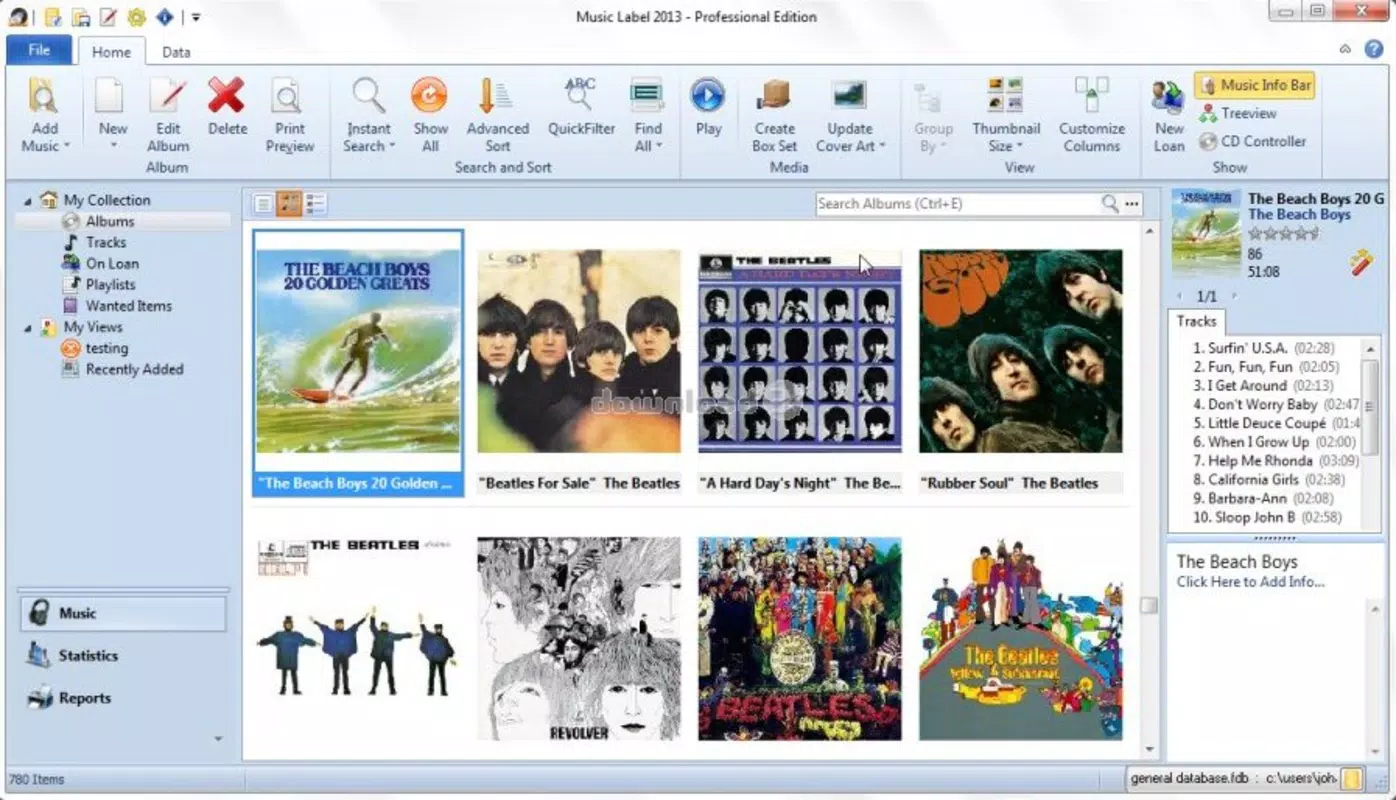
- Comprehensive Music Organization: Users can sort music files by artist, album, and format, enabling efficient navigation through large collections. Whether managing digital files or physical media, the app creates a logical hierarchy that simplifies access and retrieval.
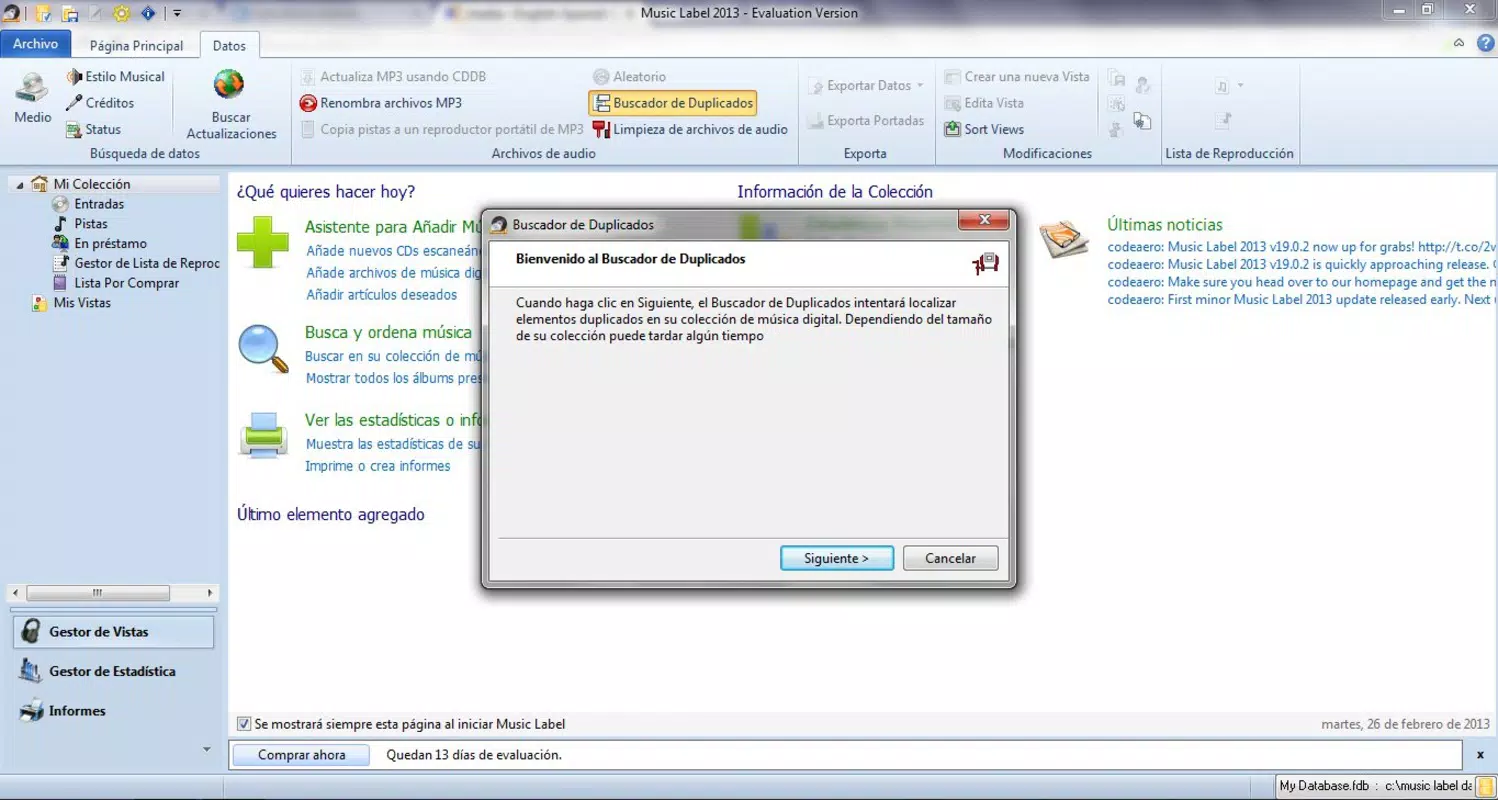
- Advanced Search Capabilities: The built-in search engine identifies missing songs and scans CDs to enrich the database. This feature helps users discover gaps in their collection and ensures comprehensive tracking of their music library.
- Backup and Data Safety: Music Label allows users to create backups of their entire music database. This functionality protects against data loss due to device failure, accidental deletion, or system crashes.
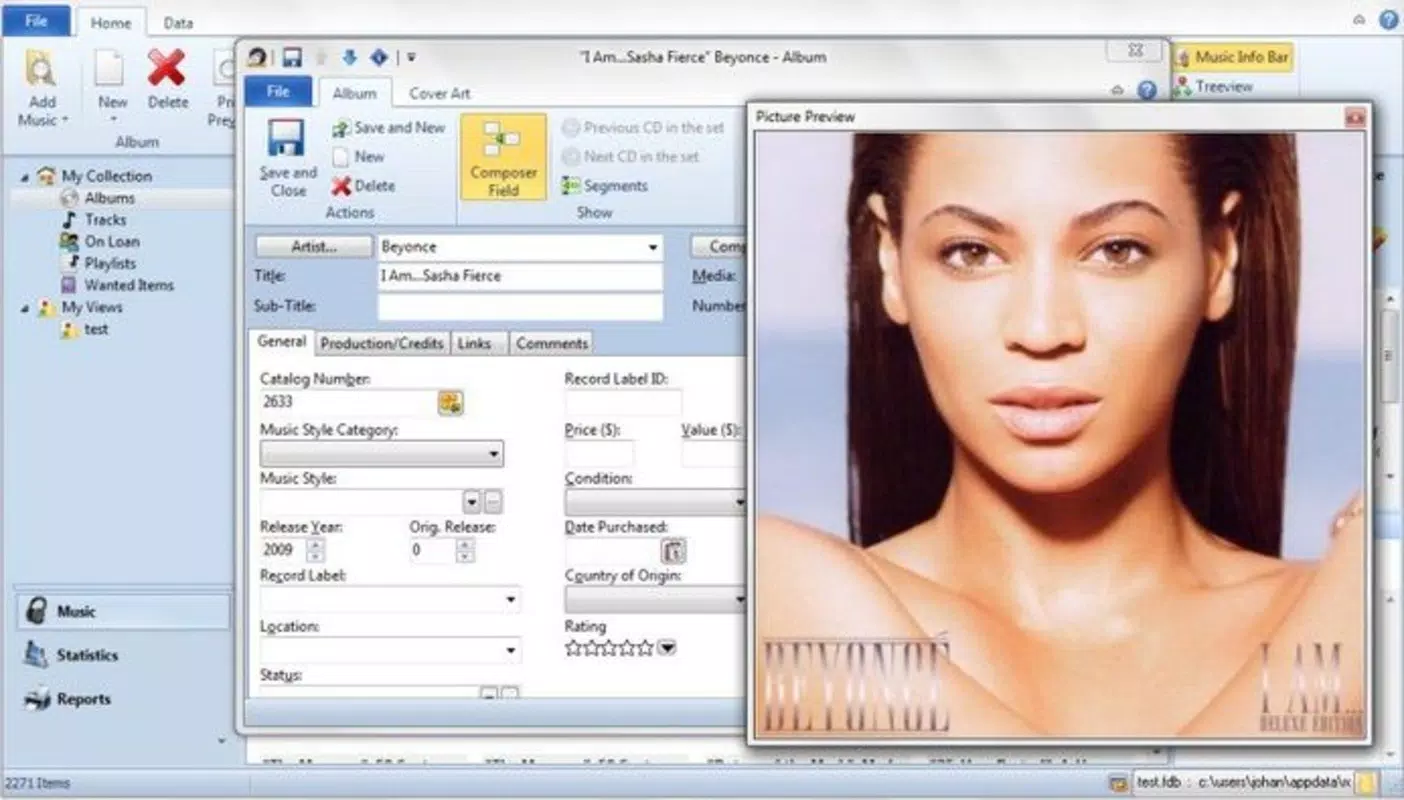
- Detailed Music Information: Upon cataloging, the app automatically retrieves metadata such as album covers, track listings, and artist biographies. Users can also add personal notes, including purchase prices and condition details, for enhanced personalization.
- Flexible Export Options: The app supports multiple export formats, enabling users to transfer their favorite tracks to mobile devices. This ensures that curated playlists and collections remain accessible on the go.
For example, a collector with a vinyl and CD archive can use Music Label to scan each disc, verify track completeness, and store metadata. The same user can later export a playlist of rare tracks to a smartphone for listening during travel. Similarly, a digital music enthusiast can organize a large MP3 library and back it up to prevent data loss after a device upgrade.
Interface, UX & Performance
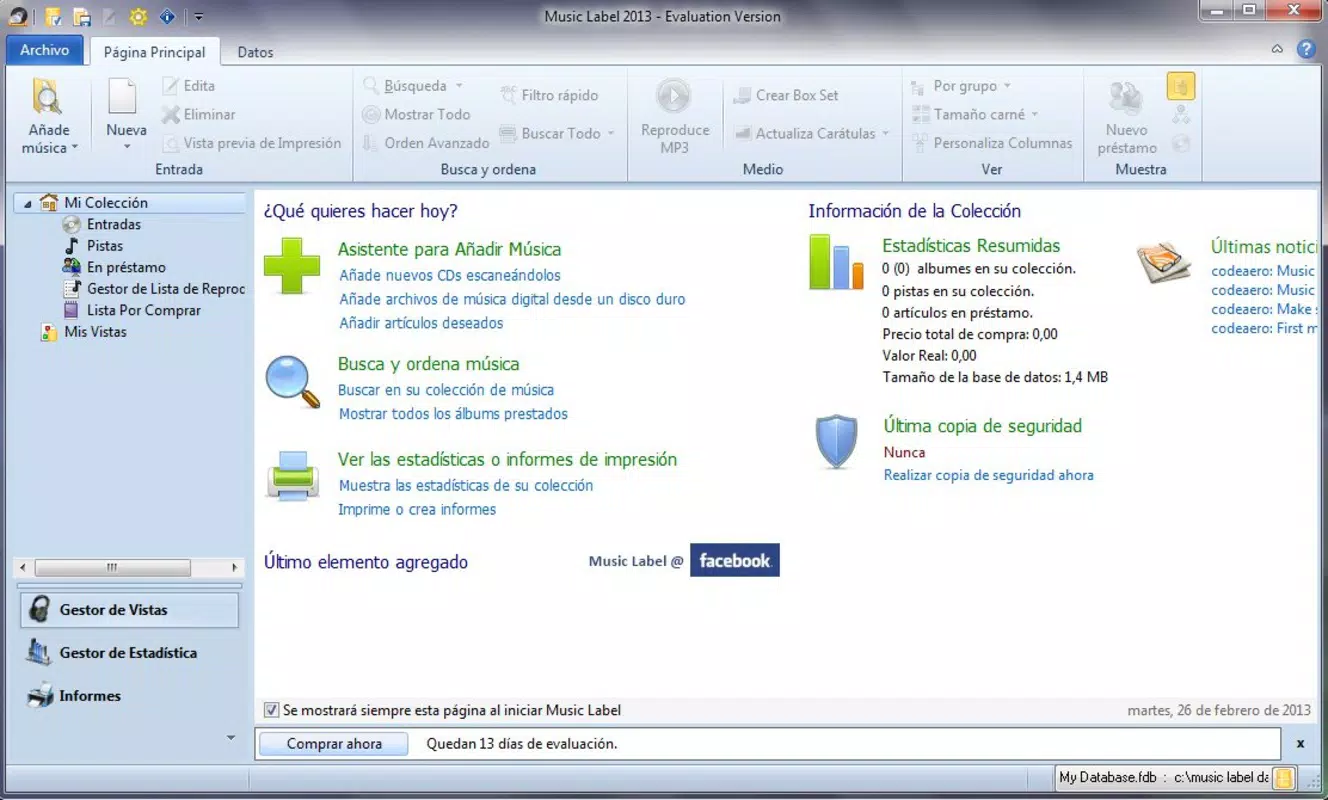
The user interface of Music Label is designed with clarity and functionality in mind, prioritizing ease of navigation and intuitive layout. Users can access core features—such as scanning, organizing, and exporting—through a clean, menu-driven structure. Visual elements are minimal yet effective, focusing on text-based organization and metadata display without unnecessary distractions.
Navigation flows logically from one task to the next, allowing users to scan CDs, view cataloged entries, and initiate backups with few taps. The app maintains responsiveness across various device types, though specific performance metrics were not disclosed. Although the developer did not list formal performance metrics, the app’s long-standing presence suggests consistent stability and compatibility with standard device configurations.
Users can expect smooth operation when managing medium-sized libraries. For larger collections, performance may depend on device storage and processing power. The app does not appear to require excessive memory or processing resources, making it suitable for older or mid-range devices. Overall, the user experience emphasizes practicality over visual flair, aligning with the app’s utility-focused purpose.
Platform Compatibility & Technical Requirements
Music Label is available for Android and iOS platforms. The app supports the latest versions of both operating systems, though specific OS requirements were not listed. The file size is reported as 12.5 MB, indicating a lightweight footprint that should not strain device storage.
Compatibility information was not fully disclosed, and the developer did not specify minimum OS versions or hardware requirements. Users should ensure their devices meet standard system conditions for running mobile applications. The app’s size suggests it is optimized for efficient performance, making it accessible even on devices with limited storage space.
Pros and Cons
Pros
- Intuitive interface tailored for music organization
- Supports multiple music formats including CD, MP3, and vinyl
- Automatically retrieves album covers and track details
- Includes backup functionality for data protection
- Offers flexible export options for mobile access
Cons
- Specific technical requirements were not provided
- Developer background and support details were not disclosed
- No information on cloud sync or cross-device access
- Advanced customization options were not detailed
- Updates or release frequency were not specified
FAQ
Is Music Label safe to use on my device?
Yes, Music Label is designed to operate securely within standard mobile app permissions. It does not request unnecessary access to personal data beyond what is required for file scanning and metadata retrieval.
Can I use Music Label to organize music from CDs?
Yes, the app includes CD scanning functionality that identifies tracks and enriches your music database with missing information.
Does Music Label support cloud backup?
The developer did not specify whether cloud backup is available. The app allows local backups, but cloud integration was not confirmed.
Is Music Label available for both Android and iOS?
Yes, Music Label is available on both Android and iOS platforms.
How often should I update Music Label?
While update frequency was not disclosed, users are advised to install the latest version to ensure compatibility and access to new features.
Final Thoughts
Music Label stands out as a reliable, no-frills solution for users seeking to bring order to their music collections. Its focus on organization, metadata enrichment, and data safety makes it an essential tool for collectors and enthusiasts managing diverse formats. The app’s ability to scan CDs, retrieve detailed information, and support offline exports ensures that music remains accessible and preserved.
While the lack of detailed technical specifications and developer transparency limits some insights, the app’s consistent functionality since 2017 speaks to its reliability. For those who value a well-structured, secure music library, Music Label delivers tangible value. It’s especially beneficial for users with physical media collections who want to digitize and safeguard their music.
Download Music Label now


